About this game
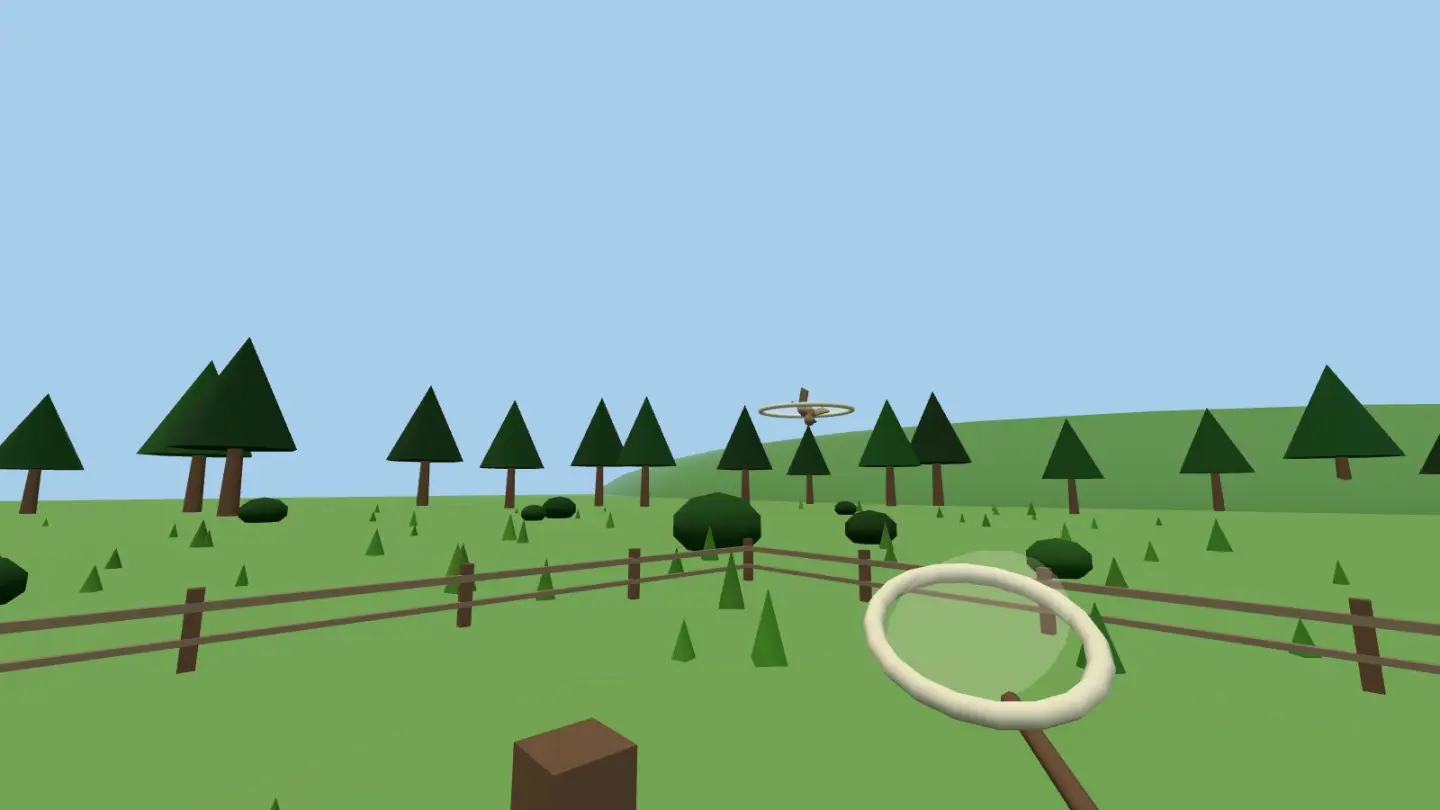
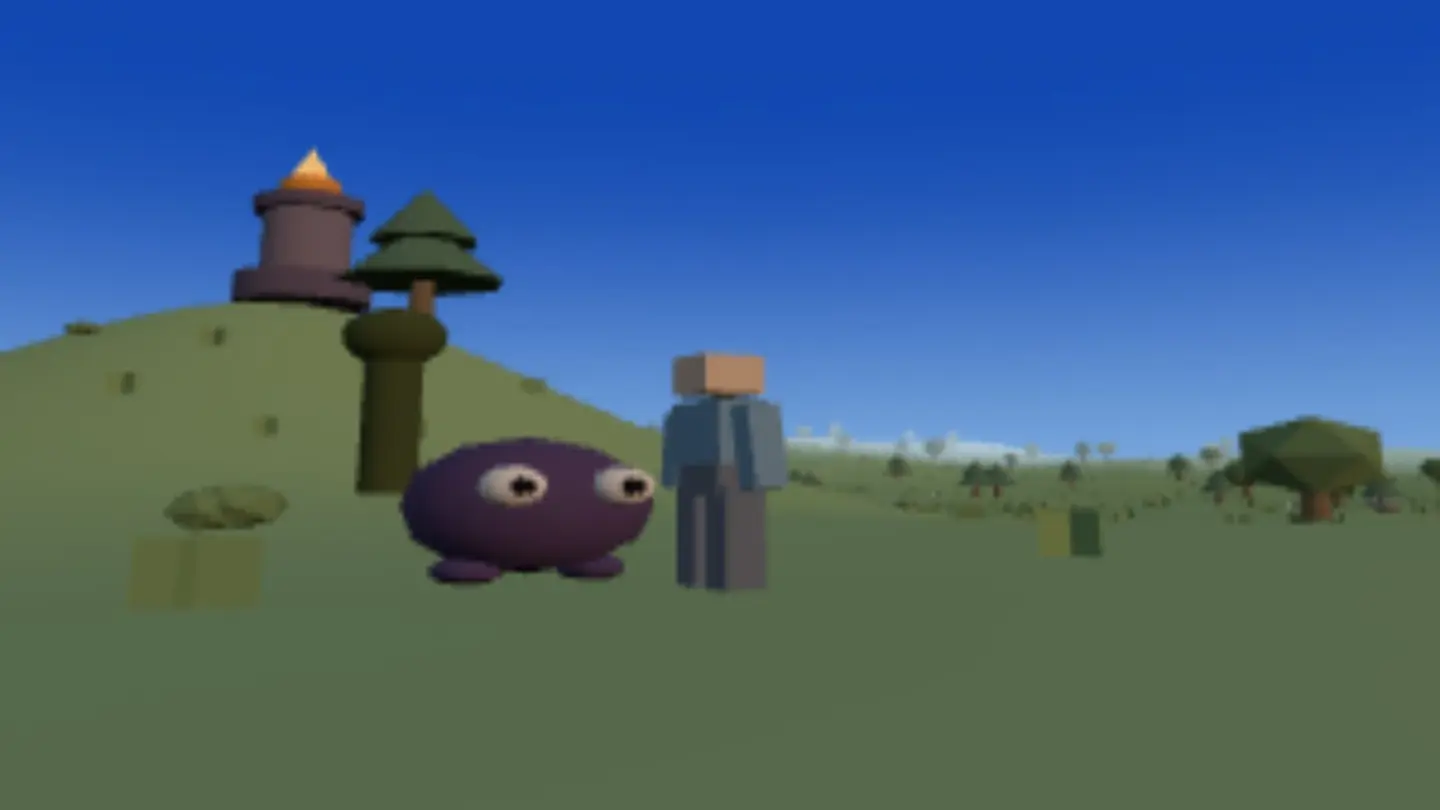
Emberfell is an adventure across dark, windy highlands. Every fire in the land has gone out, the bramblings have grown bold, and you're carrying the only spark left. It's a short story with two jobs: make the valley safe, then cross the fell and light the Old Beacon on its hill. Everything in between is walking, looking around, and deciding which patch of brambles is worth the trouble.
The land is different every time you start, and the bramblings living on it behave like animals. They wander near their dens, notice you, chase you, and give up once you've put a hill between you. They come back later where they fell. The hills genuinely block your view, so a firebolt aimed at something behind a ridge hits the ridge.
Fighting is kept simple on purpose. Tap something to aim at it, then hit it up close or throw a firebolt from a distance. Two moves, no timers to manage, no bag of items to sort. The point of the fell is getting across it; the fighting is there so the crossing means something.
When your journey ends you get a card with the route you actually walked drawn across the picture, and a link that puts a friend at exactly the spot you finished — same land, same hills, same evening.
How to play
- Go somewhere. Tap or click the ground and you walk there. WASD does the same with keys, and Shift runs. On a phone, tapping is the whole movement system, which is why this is the one 3D game here a finger can play.
- Look around. Drag anywhere to swing the camera, and pinch — or use the mouse wheel — to move it closer or further away. V switches camera modes. A drag and a tap are told apart by how far your finger moved, so neither gets in the other's way.
- Deal with the bramblings. Tap one to face it, or press Tab to pick the nearest. 1 hits it up close and 2 throws a firebolt. The two buttons on screen do the same thing. Beaten bramblings burst into leaves, and your quest list counts them.
- Follow the tracker to the beacon. Once the valley is safe, the tracker points across the fell. The Old Beacon is up a hill. Get there, press E to light it, and watch what it does to the sky.
- Take a picture. P opens your card any time, not just at the end: the route you walked, drawn on the view in front of you, with a link that puts someone else right there.
Controls
| Input | What it does |
|---|---|
| Tap / click | walk there · tap a brambling to target |
| Drag / pinch | orbit · zoom (the wheel zooms too) |
| WASD | move · Shift run · Space jump — keyboard |
| Tab | target nearest brambling |
| 1 / 2 | Strike · Emberbolt — or the two buttons |
| E / P / ☰ | interact · adventure card · menu |
| Fullscreen | hides the browser so the game has the whole screen. Press it again to bring the browser back |
Tips for getting further
- Use the hills. Neither of you can see through them. Breaking their view of you stops a firebolt and it also stops a chase — a brambling that can't see you loses interest and goes home.
- Throw first, hit second. A firebolt while it's coming and a close hit when it arrives beats standing still and doing one or the other.
- Fight one den at a time. Bramblings stay near where they live, so pulling one from the edge of a den is a fair fight and walking into the middle is not.
- Look before you walk. The camera is the only map you get. Swing it round before you cross a ridge and you'll see the dens on the far side while you can still pick a different way.
- Start a new land. Every one is laid out differently, and the title screen keeps the ones you've been to. A land you know is a quick run. One you don't is the game.
- Press P before the end. The best card is usually the one from the top of a ridge with the beacon just lit behind you, not the one you remember to take afterwards.
Good to know
- Nothing to buy and nothing to unlock. No sign-up, no chat, and no way for players to contact each other.
- It works on a phone, and it's better on a computer. Tap to walk, drag to look, pinch to zoom, and the two attack buttons are real buttons. But running, jumping and the camera switch are still keys, and tapping your way across a whole fell is slower than WASD.
- Your lands, your progress and your cards stay in this browser. A link carries the place, not anything about you.
- The whole world is built in this tab. No download, no install.
Want the short version? The free adventure game guide covers it in a couple of minutes.