About this game
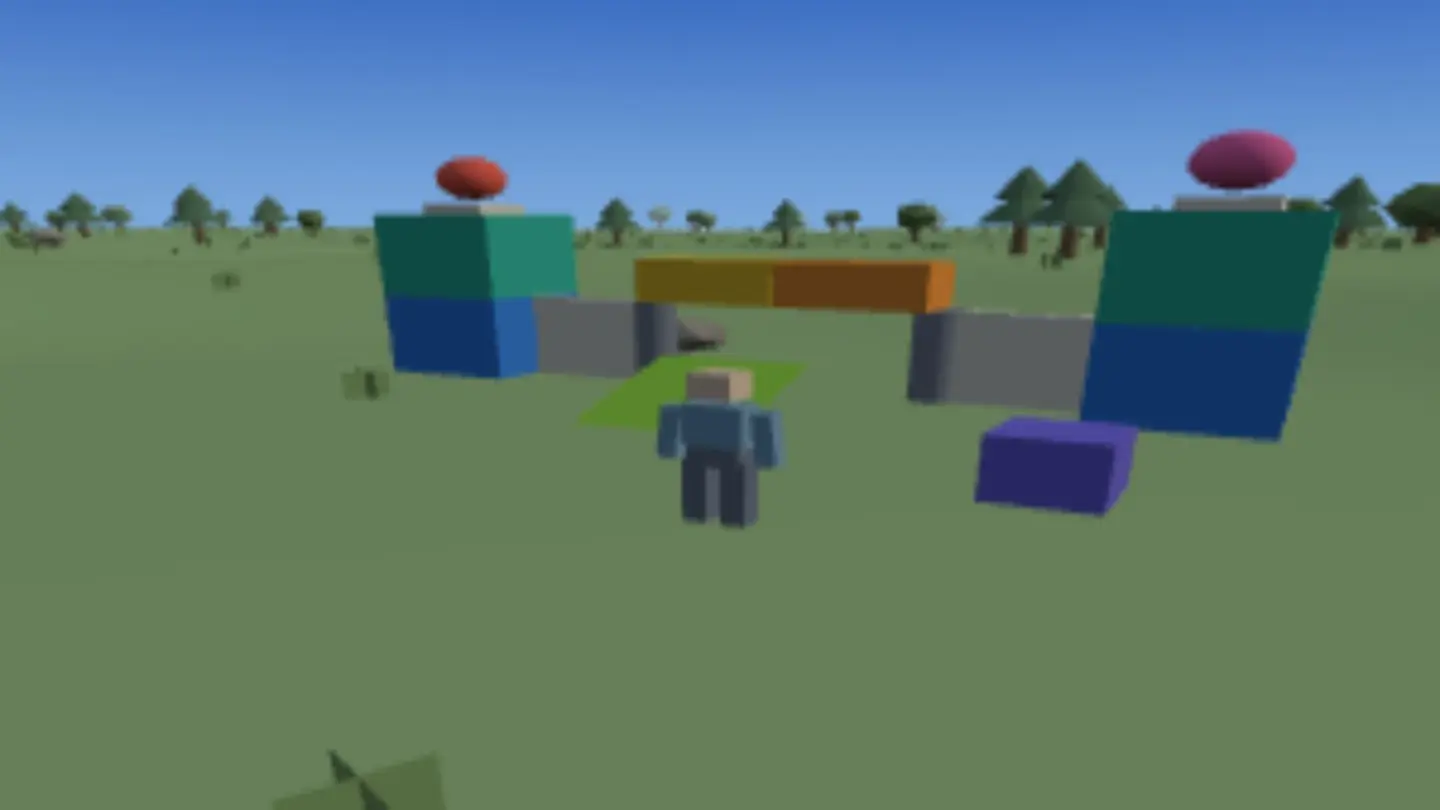
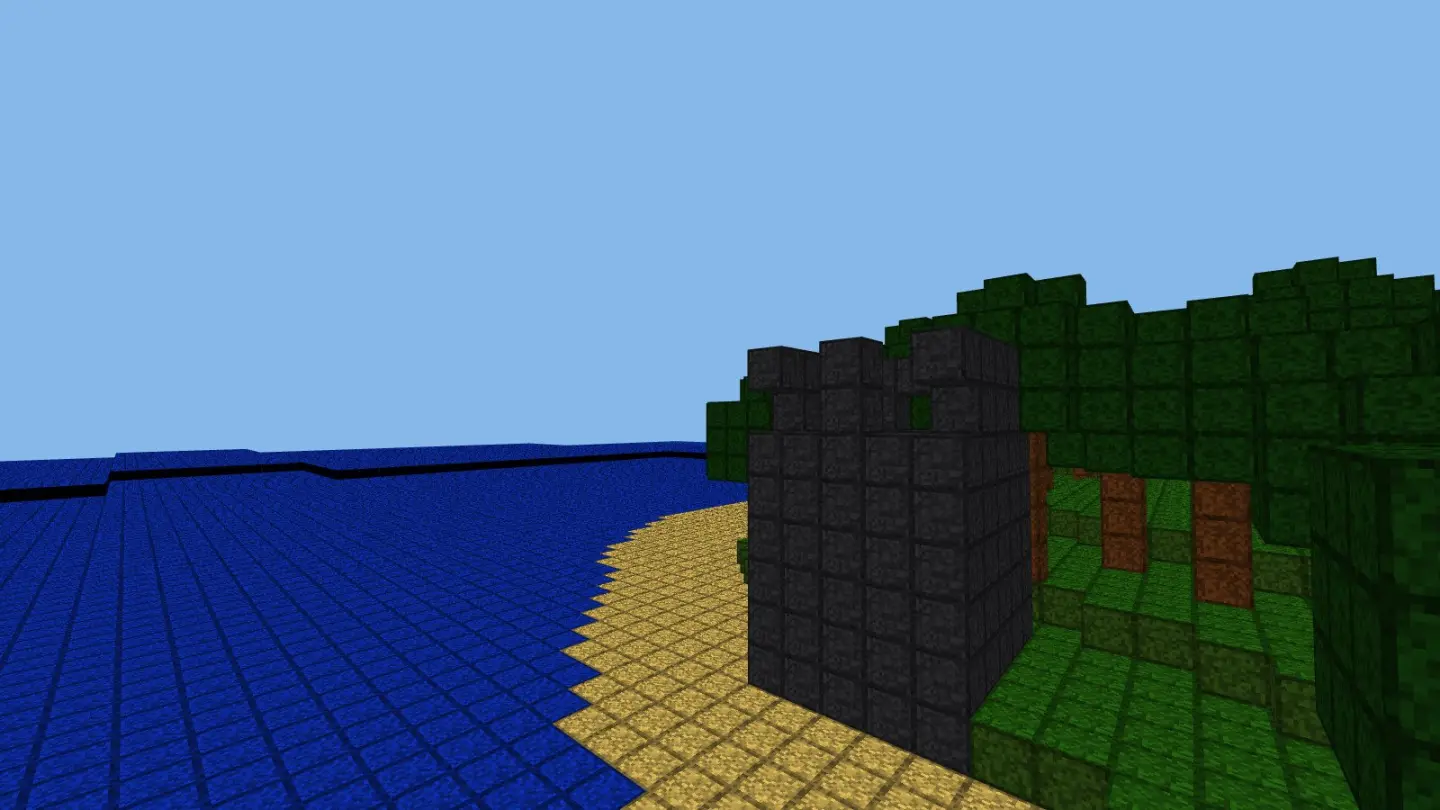
Bloomstead is a calm building game in a world made of blocks. Nothing in it is trying to hurt you. There's nothing to fight, no hunger to worry about, no timer and no way to lose. You gather things, make things, build a home, and light it up before it gets dark.
The world goes on forever, and it's built from a number. That means a number is a place: the same number gives the same hills, the same shoreline and the same trees on any device that opens it.
What you do with it is the good, ordinary stuff. Break trees for wood, dig stone out of a hillside, make tools that speed both of those up, and turn sand into glass when you want windows. Then build — a cabin, a bridge over the water, a lookout on a ridge, or a wall that's just an excuse to use the pale stone you found.
Glowmoss is your light, and it's worth going out of your way for. Light here is real, so a lantern of glowmoss under a roof pools on the floor and spills out of the doorway. The sun rises and sets, and small round moplings hop around your home getting on with their own business.
When you find a view worth keeping, press P. You get a postcard with a link on it, and whoever opens that link stands in the same world, in the same spot, looking the same way. Neither of you needs an account.
How to play
- Step outside. On a phone, drag the screen to look around — half a swipe turns you a quarter of the way round. On a computer, click the world and the game takes the mouse, so moving it looks around. Esc gives it back and opens the menu.
- Gather. Hold Gather, or the left mouse button, on a block to break it — the ring around your crosshair shows how long it has left — and it goes in your pack. Get wood first. Everything starts there.
- Make things. The Pack button, or E, opens your pack and the recipes together. Tools make gathering faster, glass gives you windows, and glowmoss lanterns turn a shelter into a home after dark.
- Tools wear out. The number on a tool is how many blocks it has left: 60 for a wooden one, 250 for stone, 1000 for iron. When it runs out it's gone — but your hands still break everything, and you can always make another. Iron hides deep down, so dig down to find it.
- Build. Place, or the right mouse button, puts the block you're holding against whatever you're pointing at. Blocks line up on their own, so the only thing to decide is where the wall goes.
- Slabs and stairs. A slab is half a block and a stair is a step, and you walk straight up both without jumping. Point at the floor and a slab lands on the bottom; point at a ceiling and it hangs from the top. Lay slabs along a two-block passage and the roof drops to a crouch — hold Shift and squeeze under.
- Send a postcard. P frames whatever is in front of you, and the link on it puts someone else in the same spot with the same light.
Controls
| Input | What it does |
|---|---|
| Drag the screen, or the mouse | look around |
| WASD, or the arrow buttons | walk and step sideways |
| Space, or the Jump button | jump |
| Hold left button, or hold Gather | break the block you're looking at |
| Right button, or Place | put down the block you're holding — or open a furnace, or sleep in a bed |
| 1–9 and the wheel, or tap a slot | choose what you're holding |
| E, or the Pack button | pack & craft |
| Shift | crouch — go slow, don't fall off, squeeze into one-block gaps |
| Ctrl / C | run |
| P | postcard |
| Esc, or the pause button | menu |
| Fullscreen | hides the browser so the game has the whole screen. Press it again to bring the browser back |
Tips for a better home
- Build where the ground helps. A cabin cut into a slope needs three walls instead of four, and a house on the shore gets its view for free. Wander a bit before you settle — the world never ends, and the first flat spot is rarely the best one.
- Make tools early. Your first stone tool pays for itself within a minute. It's the difference between gathering being the game and gathering being a chore.
- Light for the shape, not just for brightness. Glowmoss placed low throws long shadows up a wall. Placed high, it fills a room evenly. Both are worth having, in different rooms.
- Glass is worth the sand. A window is the cheapest thing you can build that changes how a room feels from inside. It's the difference between a box and a place.
- Take your postcard at sunset. The same build looks twice as good in the evening light, and the link remembers the time of day.
- Write down your world number. It's in the corner. Keep it and your world comes back on any browser, on any machine, exactly as it was.
Good to know
- Nothing to buy and nothing to unlock. No sign-up, no chat, and no way for players to contact each other — the only thing you can send anyone is a postcard link.
- You'll need a computer with a mouse and keyboard. Looking around uses a feature no phone or tablet browser has.
- Your world and everything you build save in this browser. Nothing is uploaded and nothing is shared unless you send someone a postcard.
- The whole world is built in this tab. No download, no install, nothing to plug in.
Want the short version? The block building game guide covers it in a couple of minutes.